
Use your classroom list
Create and manage your own lists so practice matches what your child is learning this week.
MySightWordz
Create your own word lists (matching school), practice in seconds, and track progress—without ads, tracking, or token games.
Why parents stick with it
You control the words. Your child gets clean practice. You get simple progress visibility.
A calm, focused experience that helps kids practice—and helps parents stay confident.
Create and manage your own lists so practice matches what your child is learning this week.
See what’s improving and what needs more reps. No spreadsheets. No guessing.
No ads, no tracking, no dark patterns, no micro-transaction loops.
Three steps. Done.
Add the words your child is working on (or import from your own notes).
Quick sessions, simple UI, kid-friendly pacing—no distractions.
Know what’s mastered and what to repeat—so practice stays targeted.
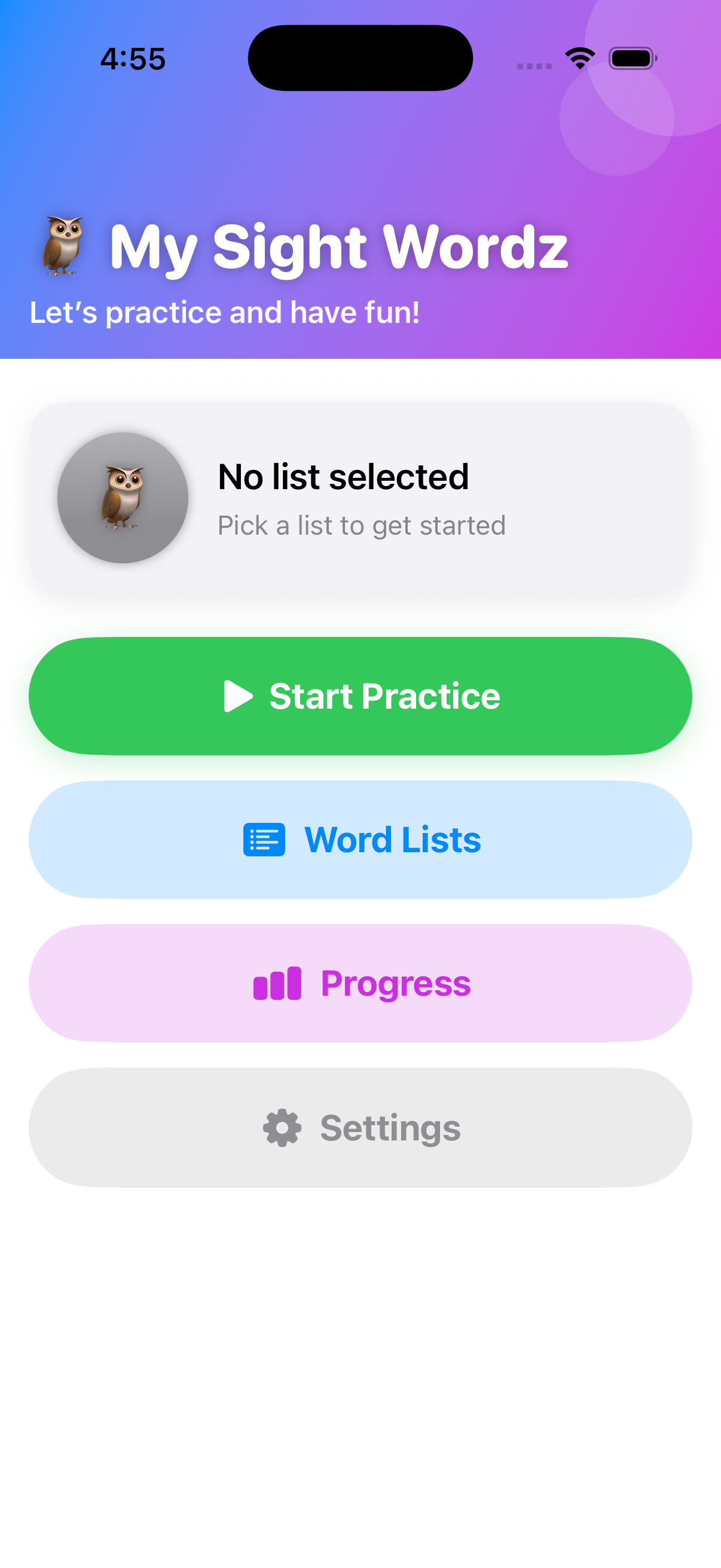
Home / Start practice
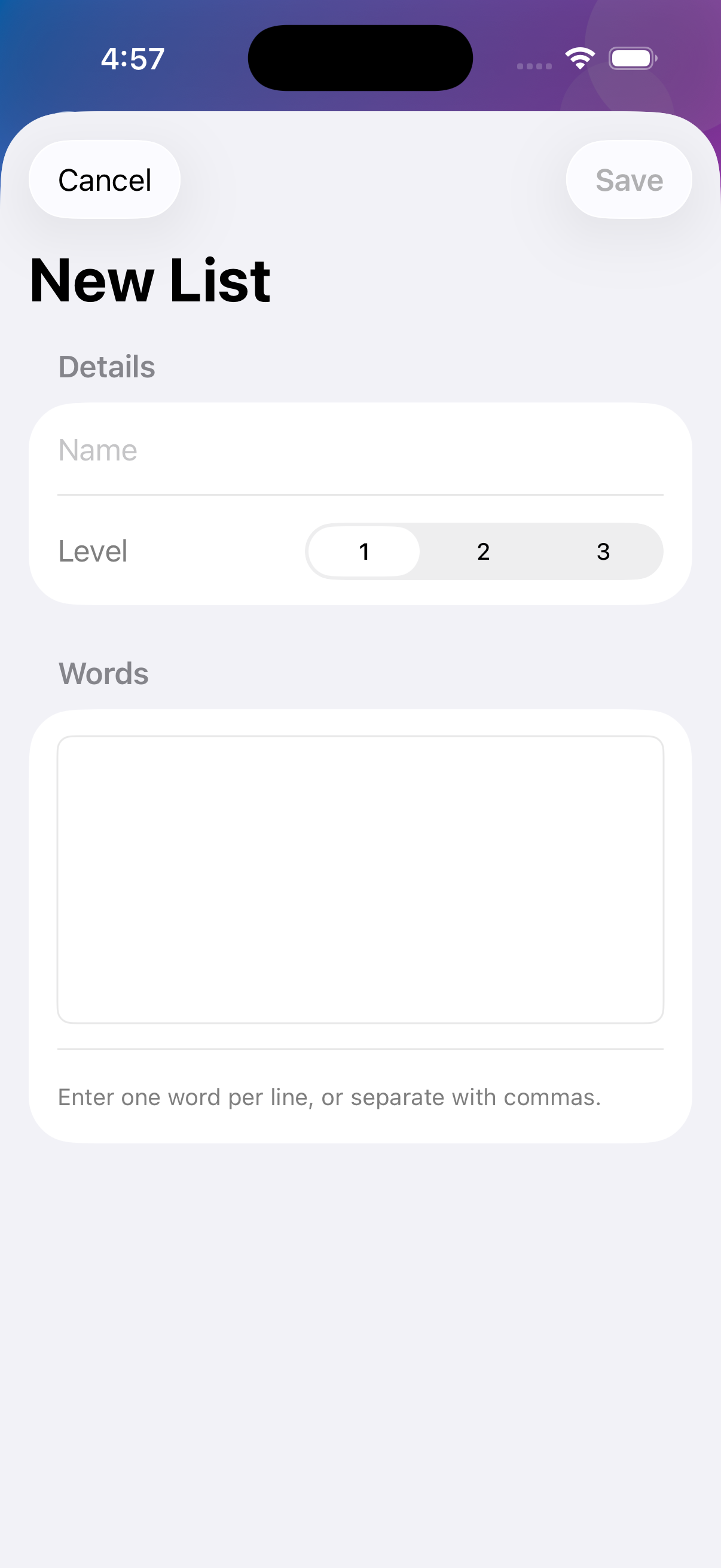
List builder
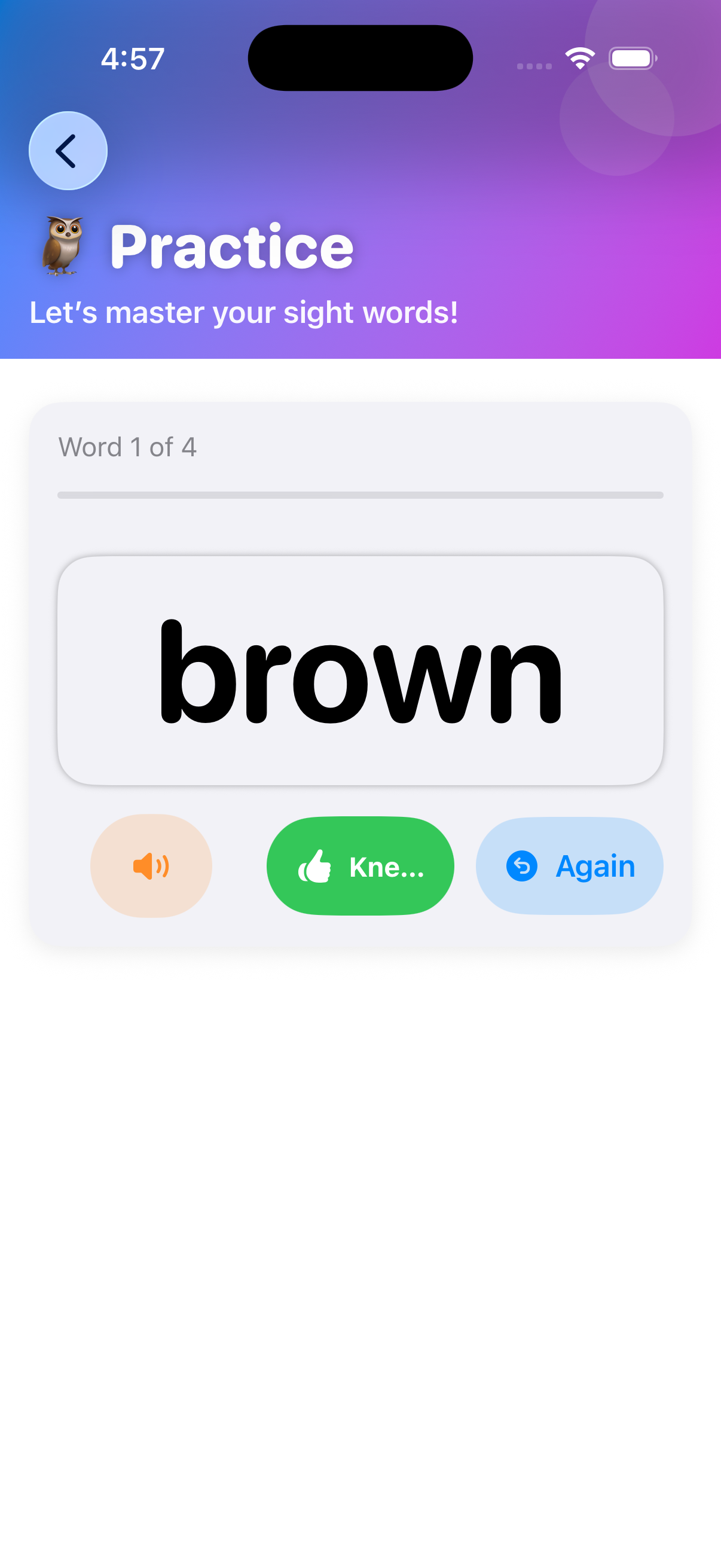
Practice screen
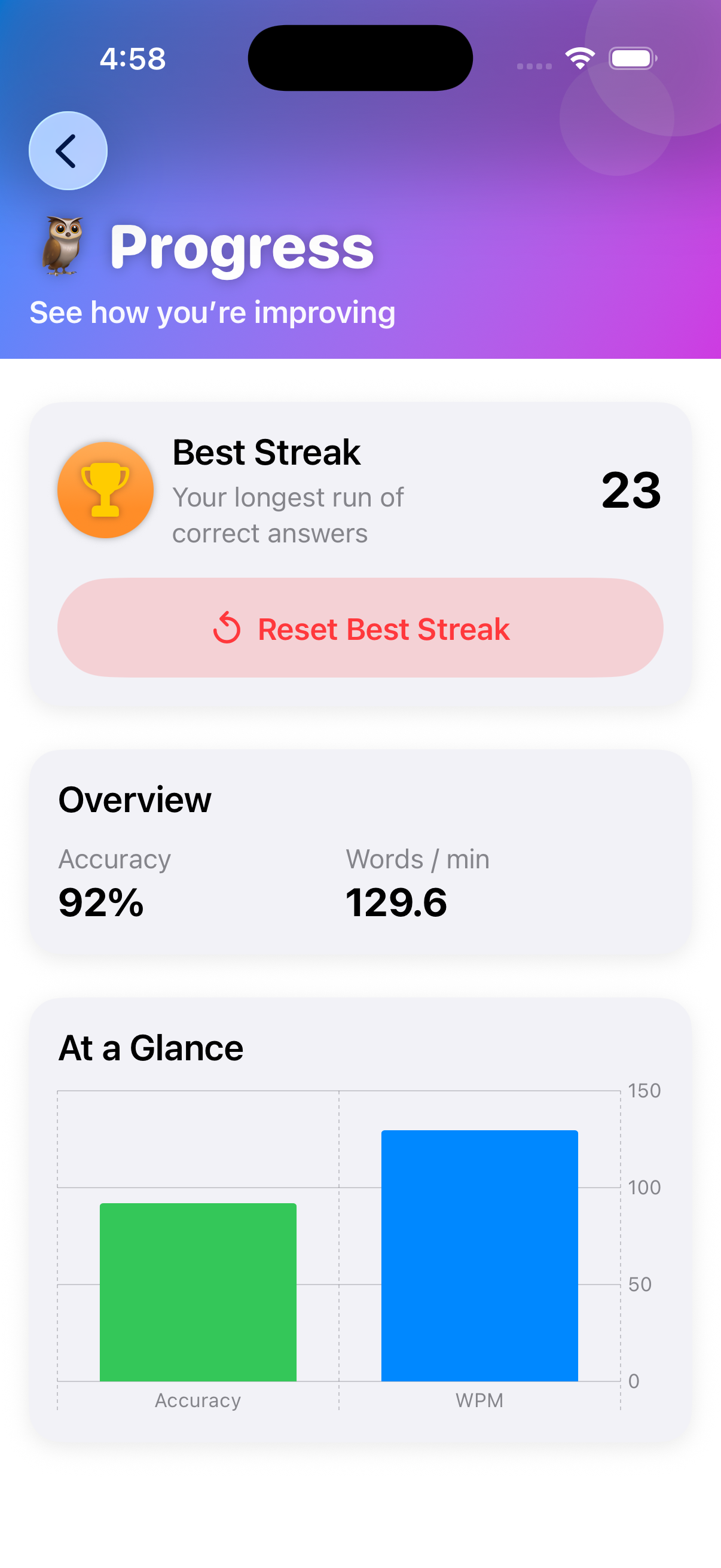
Progress
Designed to be safe by default.
MySightWordz does not track you across apps or websites.
No ad networks. No behavior profiling. No “engagement” tricks.
Word lists and progress are designed to stay lightweight and parent-controlled.
Note: Read our Privacy Policy for further details on how we protect your childs privacy.
Quick answers for App Store visitors.
Yes. Create your own lists and add the words you want your child to practice.
No. The core experience is designed to be clean and parent-first.
MySightWordz is designed to minimize data and avoid tracking. Confirm details in your App Store privacy label.
Email support using the link below.
Yes. Everything works offline, including practice sessions, custom lists and progress tracking.
That’s normal. My SightWordz is built for short, calm practice sessions. You can stop anytime and pick back up later—there’s no penalty or pressure.
If something feels off, we want to know.
Support email: info@bpl74.com